








 Store
Store


When you want to save your favorite tracks for offline listening without installing software, a Spotify downloader online is a quick and accessible solution. Whether you need to back up a workout track or save a podcast for a flight, online Spotify music downloaders offer a fast way to get MP3 files directly from your browser on a phone or a computer.
However, online Spotify downloaders vary significantly in reliability, audio quality, and user safety. This guide breaks down how online Spotify downloaders work, reviews top free Spotify downloaders, and provide clear steps to save your music safely.

Part 1. Best Spotify Downloaders Online at a Glance
If you are in a rush, here is a comparison of all the top online Spotify downloaders introduced in this guide. From here, you can quickly find a Spotify music downloader online that suits you best.
| Tools | Output Formats | Batch Download | Spotify Podcasts | Account Requirement | Full Metadata |
|---|---|---|---|---|---|
| SpotSaver | MP3 | ❌ | ❌ | ❌ | ❌ |
| Spotdown | MP3 | ❌ | ❌ | ❌ | ❌ |
| SpotMate | MP3, FLAC | ✔️ | ❌ | ❌ | ❌ |
| Spotisaver | MP3, TXT | ✔️ | ❌ | ❌ | ❌ |
| SpotiDost | MP3, JPG | ✔️ | ❌ | ❌ | ❌ |
| Spowload | MP3 | ✔️ | ❌ | ✔️ | ❌ |
| SpotyLoader | MP3, M4A, FLAC | ❌ | ❌ | ❌ | ❌ |
| MusicFab | MP3, M4A, FLAC | ❌ | ❌ | ❌ | ❌ |
| Soundloaders Spotify Downloader | MP3 | ❌ | ❌ | ❌ | ❌ |
| SpotiDown | MP3 | ✔️ | ❌ | ❌ | ❌ |
| SpotiSongDownloader | MP3, M4A | ✔️ | ❌ | ✔️ | ❌ |
| SpotiDownloader | MP3 | ❌ | ❌ | ✔️ | ❌ |
Part 2. Top 10+ Free Spotify Downloader Online Reviewed
An online Spotify downloader offers a fast, free way to save Spotify songs, albums, and playlists directly to a desktop or mobile device as local audio files. Without needing a Premium membership or installing any third-party software, you can get offline listening of your favorite Spotify content across devices. Here are the top online Spotify downloaders available for you.
No.1 SpotSaver
📊 Best For: Quickly back up standard-quality MP3 tracks or small playlists for offline listening.
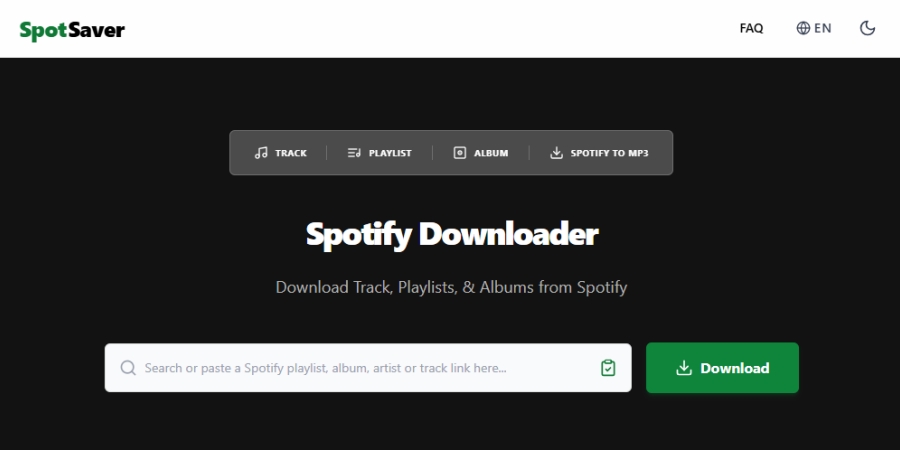
SpotSaver is a popular web-based utility designed to save and backup Spotify songs, albums, playlists, and artist collections into downloadable MP3 files. It eliminates the need to install third-party software or register for an account, operating directly within modern web browsers on desktop and mobile devices.
Technically, SpotSaver uses Metadata Matching. Rather than decrypting or stream-scraping Spotify's protected OGG Vorbis audio files directly, SpotSaver reads the track's metadata like title, artist, album, and cover art from the Spotify link and matches it with public audio streams to generate a tag-embedded MP3 file.
😀 Pros
- Free and accessible across all operating systems
- Not required to install any software
- Support for downloading various content
- Easy to operate without abusive ads
☹️ Cons
- Low output audio quality
- Require public playlist links
- Not support batch-downloading
- Only offer MP3 format
No.2 Spotdown
📊 Best For: Save individual songs or small playlists to their local storage for basic offline listening.
Spotdown is a free Spotify music downloader available as a web-based tool for Windows, macOS, Linux, Android, and iOS users. It allows users extract tracks, albums, playlists, and artist discographies from Spotify and save them as local MP3 files for offline listening without needing a Spotify Premium subscription.
Operating primarily through Metadata Matching, Spotdown fetches track metadata such as song name, artist, and album art via Spotify URLs and parses matching public audio sources such as YouTube Music streams to convert and download the track as an MP3 file.

😀 Pros
- Free to use without needing a Spotify Premium account
- Not require account registration or personal data
- Mobile-friendly with web browser compatibility
- Include basic metadata and cover art in output files
☹️ Cons
- Compressed output audio bitrate
- Many pop-up ads and hidden button redirects
- Incorrectly matched audio sources
- Need a long time to load a playlist or an album
No.3 SpotMate
📊 Best For: Download individual Spotify tracks or small groups of songs to phones or computers.
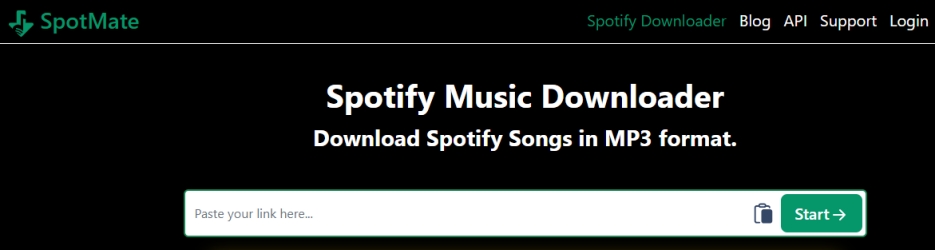
SpotMate is a popular online Spotify downloader designed to save Spotify tracks, albums, and playlists as local MP3 files for offline listening. It is accessible directly through web browsers across desktop and mobile platforms and offers completely free services for users who want to download Spotify music without a premium subscription.
Functioning via Metadata Matching, SpotMate extracts track metadata such as song title, artist, album, and cover art from a provided Spotify URL, queries public audio repositories such as YouTube Music streams, and re-encodes the audio into a tagged MP3 file ready for local download.
😀 Pros
- Completely free to use without subscription fees
- Preserve basic metadata in output files
- Simple, straightforward workflow
- Mobile-friendly interface for mobile users
☹️ Cons
- Not support downloading Spotify podcasts or audiobooks
- Lack a Download All bulk option for free versions
- FLAC format only for paid users
- Compressed output audio quality
No.4 Spotisaver
📊 Best For: Save standard-quality MP3 tracks or small public playlists for personal offline listening.
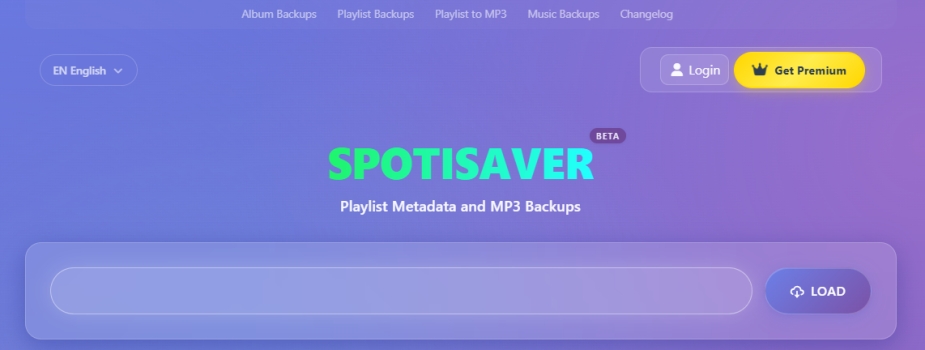
Spotisaver is a web-based utility designed to save and back up Spotify audio tracks, albums, and playlists into downloadable MP3 files. Operating directly inside modern web browsers across desktop and mobile platforms, it requires no software installations or Spotify account log-ins.
Spotisaver uses Metadata Matching rather than direct stream ripping. It extracts track metadata like artist, title, and cover art from a provided Spotify link, queries independent public audio platforms such as YouTube Music streams, re-encodes the matching audio into an MP3 format, and embeds basic ID3 tags.
😀 Pros
- Free and immediately accessible across devices
- Generate single ZIP downloads for entire public playlists
- Not require connecting to a Spotify account
- Preserve fundamental ID3 metadata and album art
☹️ Cons
- Re-encode from external source matches
- Fail to load private playlists or official Spotify editorial playlists
- Only 100 tracks per playlist batch for free
- Fluctuate or fail during peak traffic hours
No.5 SpotiDost
📊 Best For: Save standard-quality MP3 tracks, small playlists, or album artwork from Spotify.
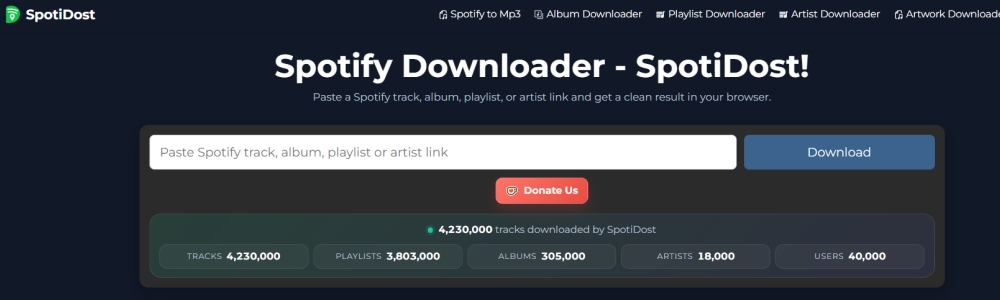
SpotiDost is an independent, web-based tool designed to convert Spotify tracks, albums, playlists, and artist links into downloadable MP3 files directly through a web browser on desktop and mobile devices. It also supports saving artwork links into JPG files.
Like most browser-based Spotify downloaders, SpotiDost uses Metadata Matching rather than ripping Spotify's DRM-encrypted audio streams directly. It extracts metadata like track title, artist name, and cover art from the Spotify URL, searches public audio platforms such as YouTube or SoundCloud for a matching stream, and converts that audio into a local MP3 file.
😀 Pros
- Free to use without installing third-party software
- Support playlist-to-ZIP bulk downloads for faster processing
- Extract cover art independently from audio files
- Function on both mobile and desktop web browsers
☹️ Cons
- Force users to sign in with a Google account
- Mismatch live tracks or miss songs in large playlists
- Contain lots of pop-up ads
- Not output true 320kbps high-fidelity quality
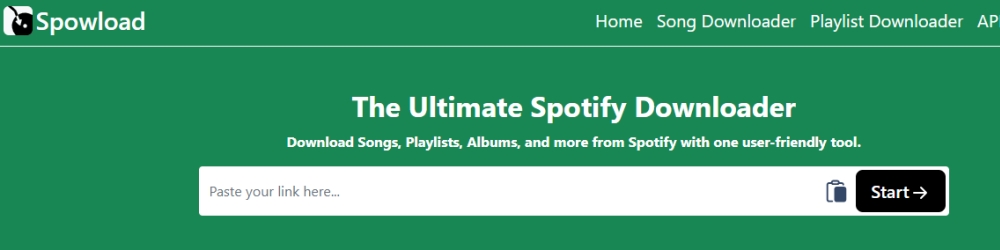
No.6 Spowload
📊 Best For: rab individual Spotify songs or short playlists for offline listening without registrations.
Spowload, operating via platforms such as spowload.net and spowload.cc, is a free, web-based Spotify downloader and MP3 converter. It enables users to extract individual songs, full albums, playlists, and podcasts from Spotify and convert them into DRM-free local audio files.
Like most web-based downloaders, Spowload relies on Metadata Matching rather than breaking Spotify's DRM protection directly. It extracts track metadata like artist, title, and cover art from the Spotify URL, searches public streaming platforms such as YouTube Music for matching audio, and re-encodes the stream into a locally downloadable MP3 file.
😀 Pros
- No hidden subscriptions or mandatory sign-ups
- Run directly in any web browser
- Include album cover art and basic ID3 tags
- Handle songs, albums, and podcasts
☹️ Cons
- Require clicking individual tracks on larger playlists
- Contain occasional ad network redirects on download buttons
- Experience temporary downtime during Spotify API changes
- Output audio quality depending on public web streams
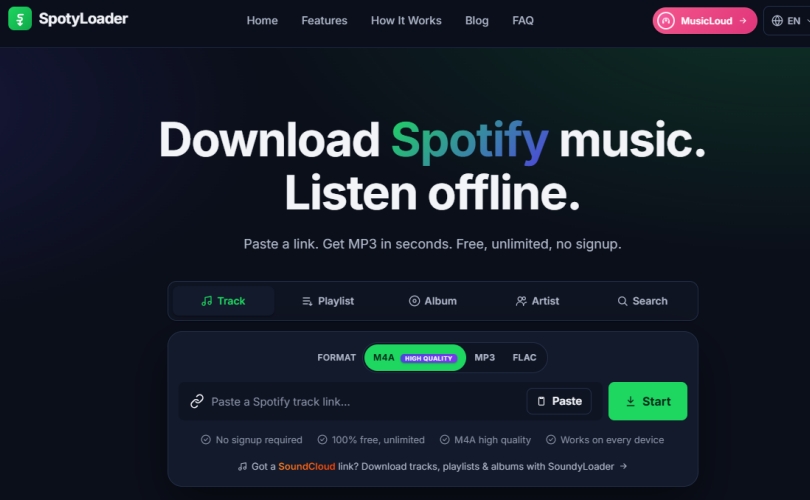
No.7 SpotyLoader
📊 Best For: Download individual Spotify tracks or small albums without any registration.
SpotyLoader is a free, web-based Spotify downloader designed to convert Spotify tracks, albums, playlists, and artist pages into downloadable offline audio files directly inside your browser. It works well through a browser on most devices like Windows PC, Mac, Linux, Android, and iOS.
Unlike many simple downloaders that only provide MP3s, SpotyLoader sets itself apart by allowing users to select multiple output formats, including MP3, M4A, and FLAC. Rather than decrypting DRM streams directly from Spotify servers, it uses automated metadata matching to source matching audio from open web platforms and re-encodes the stream for local storage.
😀 Pros
- Support MP3, M4A, and FLAC containers
- No registration or Google authorization
- Less aggressive ad banners
- Function across desktop and mobile devices
☹️ Cons
- Require manual track-by-track clicks for full playlists
- Fail to parse Spotify podcasts or audiobooks
- Transcode FLAC from lossy web sources
- Trigger extra tabs when clicking link generation buttons
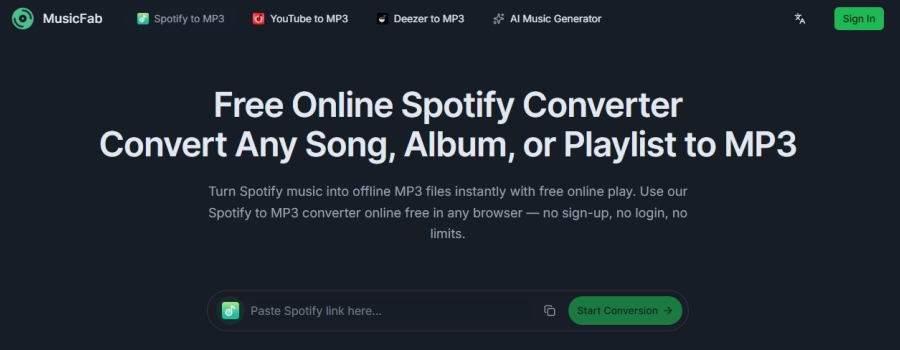
No.8 MusicFab
📊 Best For: Quickly save standard-quality MP3 tracks or small public playlists without pop-up ads.
MusicFab is a popular, independent web-based utility engineered to record, convert, and download music from major streaming platforms, including Spotify, YouTube Music, and Deezer into local, DRM-free audio files. It operates entirely within web browsers on desktop and mobile platforms without requiring account registration or software downloads.
Unlike other light web-based tools that rely on YouTube URL searching, MusicFab utilizes an advanced decryption technology that extracts music from streaming portals directly. It extracts streams at hardware-accelerated speeds without relying on real-time acoustic recording.
😀 Pros
- Support multiple streaming services
- Fast and batch conversion
- Free, fast, and accessible on most browsers
- Cleaner user experience without pop-up ads
☹️ Cons
- Cannot parse private or official Spotify Editorial playlists
- Fail to read playlist or album content sometimes
- Compressed output audio quality
- Not support full metadata preservation
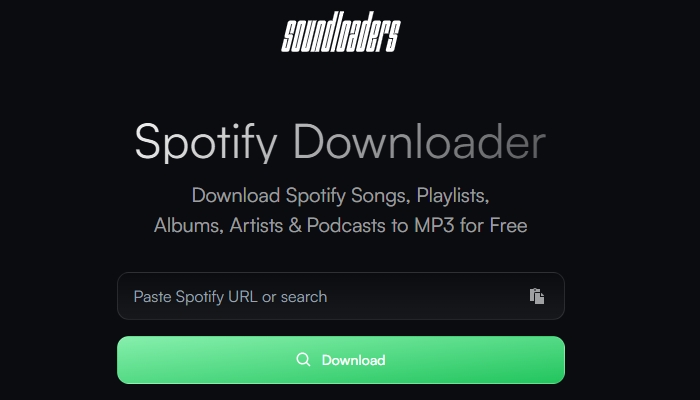
No.9 Soundloaders Spotify Downloader
📊 Best For: Download single tracks to MP3 files without software installations or account sign-ups.
Soundloaders Spotify Downloader is a free, browser-based online converter designed to save Spotify tracks, albums, playlists, artist, podcasts, episodes, and shows as local MP3 files. It does not need a Spotify Premium subscription and require to install any software or browser extension. By inputting a Spotify URL or entering keywords directly in the search bar, it starts loading the music source and lets you to download the track.
Like similar web utilities, Soundloader Spotify Downloader does not decrypt Spotify's OGG Vorbis DRM streams directly. Instead, it extracts metadata like title, artist, and album from the provided Spotify URL, queries open web streaming services such as YouTube for matching audio equivalents, and re-encodes the match into a local audio file.
😀 Pros
- Function uniformly across desktop and mobile devices
- Extract full-resolution album artwork alongside audio
- Run completely inside web browsers
- No paywalls or subscriptions
☹️ Cons
- Require manual track-by-track clicks for playlists
- Limited exclusively to music tracks or albums
- Lead to external promotional sites
- Not retain complete ID3 metadata
No.10 SpotiDown
📊 Best For: Need a quick single-song MP3 download directly on a mobile browser or PC.
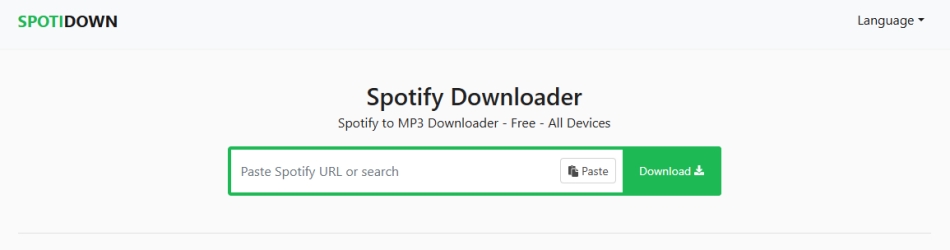
SpotiDown, commonly operating under domains such as spotidown.app, spotidown.co, and spotidown.net, is a free, web-based Spotify downloader tool. It is designed to extract audio from Spotify song links, album URLs, and playlist links without requiring local software installation or Spotify account credentials.
Like most online web converters, SpotiDown does not decrypt raw DRM audio directly from Spotify servers. Instead, it uses Metadata Scraping, reading the track details from the Spotify URL, searching public web platforms such as YouTube for matching audio streams, and re-encoding the match into downloadable MP3 files.
😀 Pros
- No sign-ups or Spotify account risks
- Run instantly on any modern web browser
- Retain track name, artist, and album artwork
- Minimalist copy-paste search bar setup
☹️ Cons
- Frequent browser redirects
- Playlist batching paywalled after 5 songs
- Fake 320kbps output bitrate
- Occasional parsing failures
No.11 SpotiSongDownloader
📊 Best For: Download individual Spotify tracks or small groups of songs with customized formats.
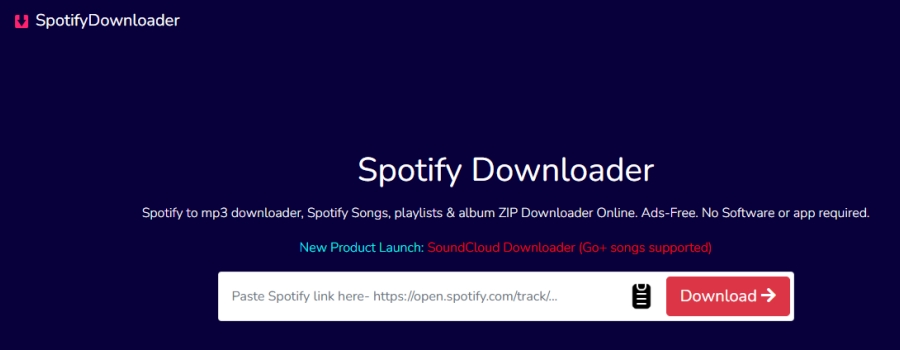
SpotiSongDownloader, commonly accessible via domain names like spotisongdownloader.com, is a popular, web-based Spotify conversion utility. It allows users to parse Spotify tracks, albums, and playlists into downloadable MP3 or M4A audio files directly inside their browser.
Rather than decrypting original OGG Vorbis audio streams directly from Spotify's DRM-protected servers, SpotifyDownloader uses Metadata Matching. It scrapes track details like title, artist, and album art from the submitted Spotify link, finds a corresponding audio stream on open web platforms like YouTube, and packages the audio into a local audio file with embedded ID3 tags.
😀 Pros
- Easily accessible on both desktop and mobile browsers
- Offer user-selectable audio formats and bitrates
- Automatically save primary ID3 metadata and cover art
- Not require Spotify account credentials
☹️ Cons
- Batch downloads limited for free users
- Feature pop-up ad redirects
- Need mandatory CAPTCHA verification
- Low output audio quality
No.12 SpotiDownloader
📊 Best For: Download individual tracks or modest playlists under 100 songs for offline listening.
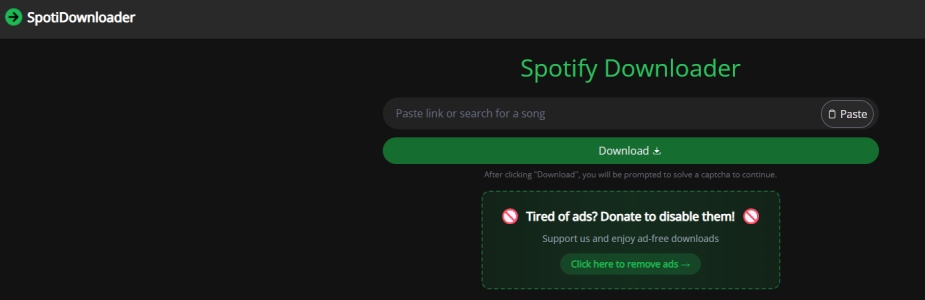
SpotiDownloader, formerly known as SpotifyDown and operating via spotidownloader.com, is a free, web-based tool designed to extract songs, full albums, and playlists from Spotify into local MP3 audio files directly within a browser.
Instead of decrypting original OGG Vorbis streams directly from Spotify's DRM servers, SpotiDownloader scrapes metadata like track title, artist, and album art from the submitted link, matches the audio against open web sources, primarily YouTube, and processes the audio into downloadable files.
😀 Pros
- No mandatory subscription fees or premium paywalls
- Safeguard your personal Spotify account from login risks
- Bundle multiple tracks into a single compressed folder
- Retain track details and cover images in file tags
☹️ Cons
- Trigger frequent third-party pop-up redirects on click
- Truncate playlists longer than 100 songs
- Append website domain tags to output filenames
- Low-pass frequency cuts typical of ~128 kbps sources
Part 3. How to Use an Online Spotify Donwloader
All the above Spotify downloaders are completely free to use through a browser across Windows, Mac, Linux, iOS, and Android. Though these tools are accessible at the time of writing, their availability may change due to legal issues or other factors. Follow these steps to convert and save tracks using a web-based Spotify downloader.
Step 1: Copy the Music Link from Spotify Web Player

1. Navigate to and log into Spotify Web Player with your account information.
2. Use the Search feature to find your liked songs or directly browse the music in Your Library.
3. Open an album or a playlist, then click the three-dot icon marked as More Options.
4. From the drop-down menu, click Share > Copy link to playlist.
Step 2: Paste the Link to Download Spotify Music Online
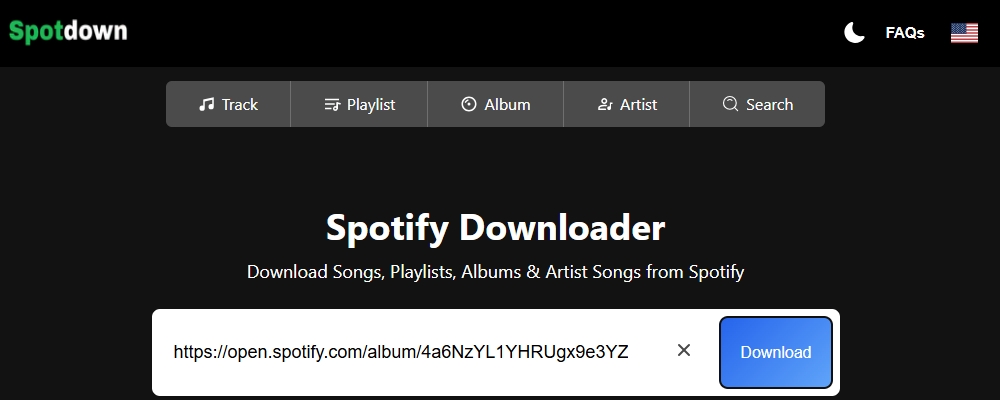
1. Open an online Spotify downloader listed in the above part.
2. Paste the copied music link into the search field, then click the Submit button.
3. Click the Download ZIP button to start downloading and saving Spotify songs.
Step 3: Find the Downloaded Spotify Music Files
1. Click the three-dot icon at the top right corner of the browser.
2. Select Downloads from the drop-down menu, then click Open Downloads Folder.
3. Locate the folder where you store the downloaded Spotify songs.
Part 4. How Does Online Spotify Downloaders Actually Work
Many users assume that an online Spotify music downloader directly decrypts Spotify's protected OGG Vorbis streams. In reality, free web tools use a process called Metadata Matching, rather than directly obtaining music resources from Spotify's database.
1️⃣ Link Extraction: You input a track or playlist URL from the Spotify app or web player.
2️⃣ Metadata Fetching: The web server reads the metadata via Spotify's public web API.
3️⃣ Source Audio Matching: The downloader queries public streaming repositories such as YouTube to match the audio track.
4️⃣ MP3 Download: The tool rips the source audio stream into an MP3 file, embeds album art and ID3 tags, and generates a download link.
Truth about 320kbps Claims of Online Spotify Downloader
While many online Spotify downloaders advertise 320kbps MP3 outputs, actual audio bitrates depend on the matched public video or audio source. These streams are often compressed to 128kbps or 160kbps before re-coding. After our testing for each online Spotify downloader, we find that the actual audio quality of downloads is only 128kbps (Lossy), not same as the claim.
If you are looking for guaranteed original quality, those professional desktop Spotify music downloading tools like TunesMake Spotify Music Converter can be better choice. They uses direct hardware acceleration to output true 320kbps MP3, FLAC, or WAV with customizable audio parameters like bit rate, sample rate, and channels.
| Feature | Online Spotify Downloader | TunesMake Spotify Music Converter |
|---|---|---|
| Platform Support | Browser (Android, iOS, Windows, macOS) | Windows, macOS |
| Installation | None required | Require |
| Pricing | Free (Ad-supported) | Free trial available |
| Batch Downloading | Track-by-track (Manual) | 1-click full playlist and album batch processing |
| Actual Audio Quality | 128kbps - 256kbps | True 320kbps MP3 and Lossless FLAC |
| Conversion Speed | Real-time | Up to 15× accelerated batch speed |
| Customizable Audio Parameters | None | Bit rate, sample rate, channel |
| Output Audio Format | Only MP3 | MP3, FLAC, AIFF, WAV, M4A, M4B |
| ID3 Tag Preservation | Primary ID3 tags like title names, albums, and artist names | Full ID3 tags like title names, albums, artist names, track number, release date, genre, and more. |
| Safety | Require caution with ads | Clean, ad-free environment |

TunesMake Spotify Music Converter –
Download music from Spotify without premium
- Download Spotify songs, albums, playlists, audiobooks, and podcasts
- Losslessly convert Spotify music to MP3, FLAC, WAV, AIFF, and more
- Remove ads from Spotify music tracks even with a Free account
- Convert Spotify music at 15× faster speed in batch with ID3 tags kept
Security Verified. 100% Clean & Safe.
Part 5. FAQs about Free Spotify Downloader Online
Do online Spotify downloaders work on iPhone and Android?
Yes. Modern mobile browsers like Safari and Chrome support direct file downloading. The converted MP3s will save directly into your mobile device's local download folder.
Can online Spotify downloaders save podcasts and audiobooks?
As long as the podcast or audiobook has a public share URL on Spotify, most online Spotify downloaders can parse the metadata and locate the corresponding audio stream.
Is using a Spotify downloader online completely free?
Yes. Most web-based Spotify downloaders are free to use and supported entirely by display advertising and pop-up redirects.
Do online Spotify downloaders download actual 320 kbps files?
Rarely. While many online Spotify downloaders advertise 320 kbps, they usually pull audio from public video streams, which compresses the final MP3 to around 128kbps or 192kbps.
Can I download an entire playlist with an online Spotify downloader?
Online Spotify downloaders generally do not support one-click bulk playlist downloading like a single ZIP file because it requires too much server bandwidth. They will load your playlist, but you will typically have to click Download manually for each individual song.
Part 6. Conclusion
Online Spotify downloaders like SpotiDown, SpotifyDownloader, SpotiSongDownloader, and Soundloaders offer an accessible, zero-cost solution for users who want to extract music from Spotify without installing local software or linking their Spotify accounts. Their primary strength lies in convenience. However, the reality of web-based converters comes with clear technical trade-offs like quality limitations and operational restrictions.
Online downloaders are ideal for casual, quick downloads of individual tracks or small playlists on mobile or desktop browsers. For audiophiles requiring true 320 kbps/lossless quality, or power users archiving massive music libraries without ad interruptions, professional desktop music downloaders like TunesMake Spotify Music Converter remain the superior, more stable choice.
Related Articles


A senior editor from TunesMake, dedicated to sharing professional tutorials and solutions of software, movies, and music.
- 1
- 2
- 3
- 4
- 5
- 6
- 7
 Leave Your Comment
(0)
Leave Your Comment
(0)

 Download Center

